Select Source Database
In this stage, you'll choose the source database you'd like to clone.
The table displays all RDS and DocumentDB instances detected in your AWS account.
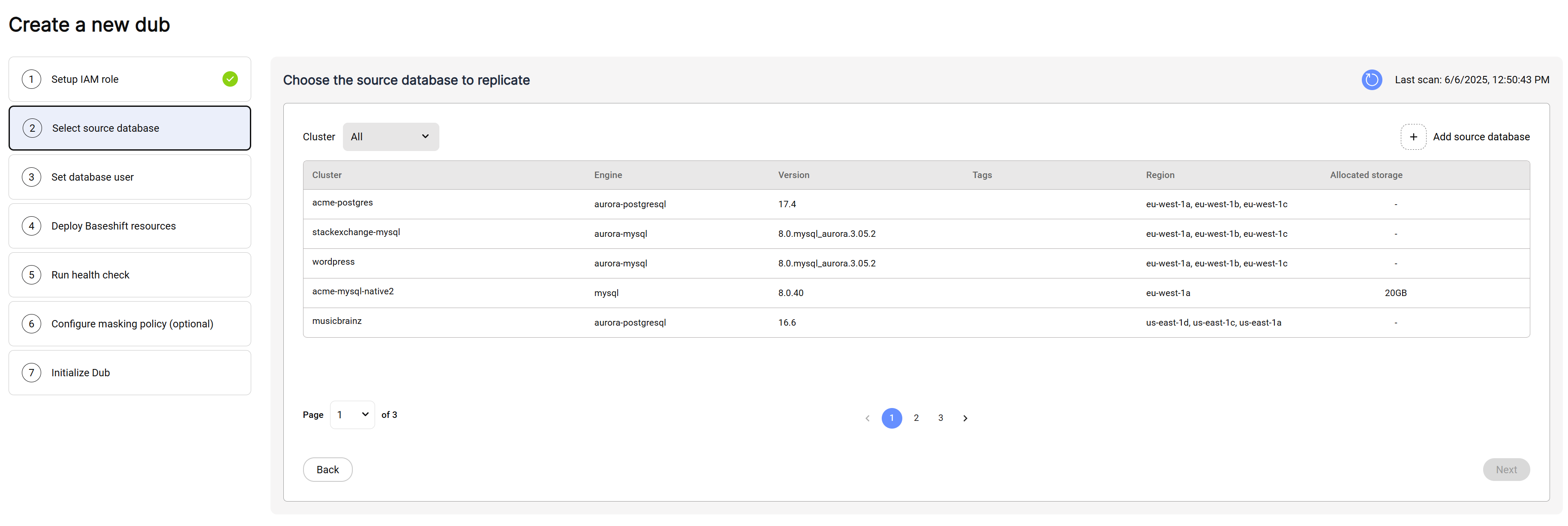
- To rescan the account click the refresh icon in the top right.
- Click the row of the database you'd like to clone.
- Click "Next" to continue.
To manually add a source database, click on the "Add Source Database" button:
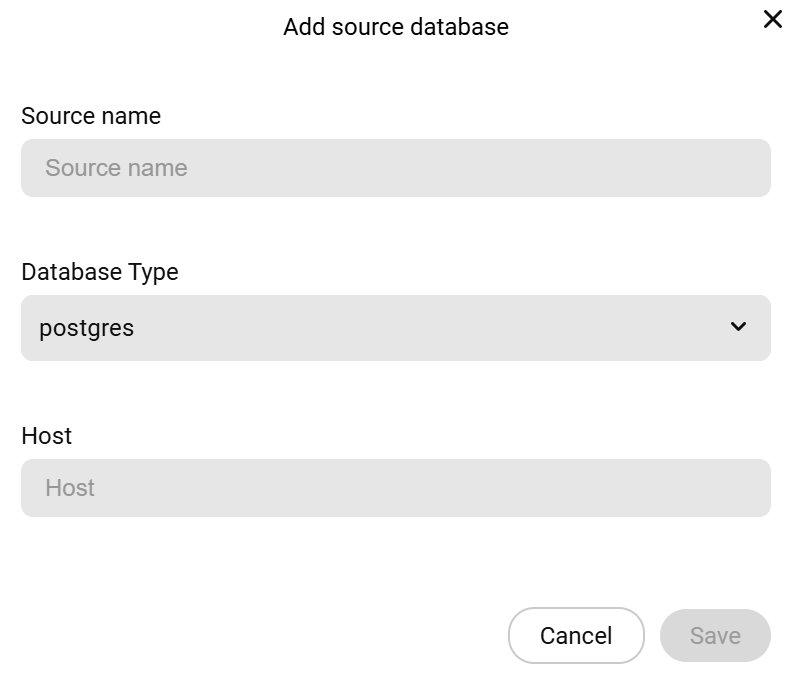
- Enter the name of your source database.
- Choose the database type.
- Enter the database host.
- Click Save.